 Length 0:58
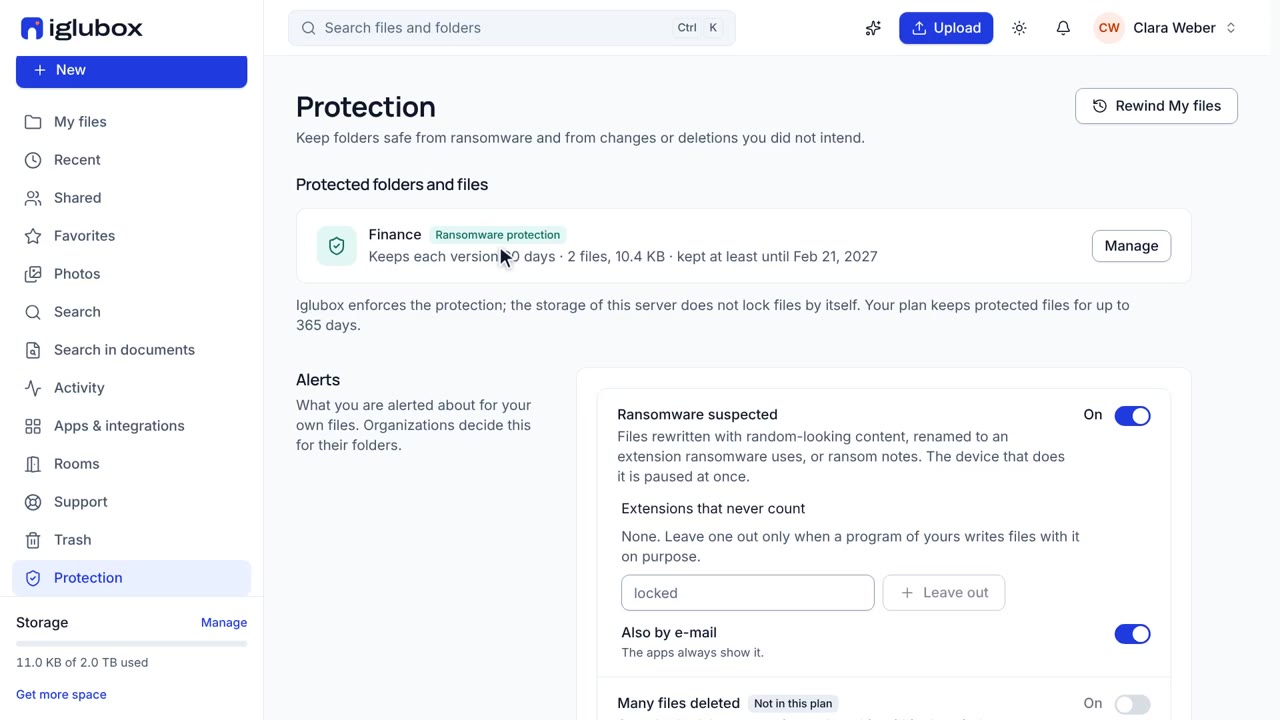
Ransomware protection
Turn on ransomware protection
Protect a folder so that every version and every deleted file is kept, and see how you are told of an attack.
Review what a paused device did, recover every file it changed, and sign the device out.
When a device rewrites files the way ransomware does, it is paused at once and you are alerted. The alert lists each file it touched, with the name it had before.
Recover the files puts back the version of each file from before the first suspicious change and moves the ransom notes to the trash. Nothing is deleted for good: the encrypted versions stay in each file’s history.
Length 0:58Ransomware protection
Protect a folder so that every version and every deleted file is kept, and see how you are told of an attack.
 Length 0:33
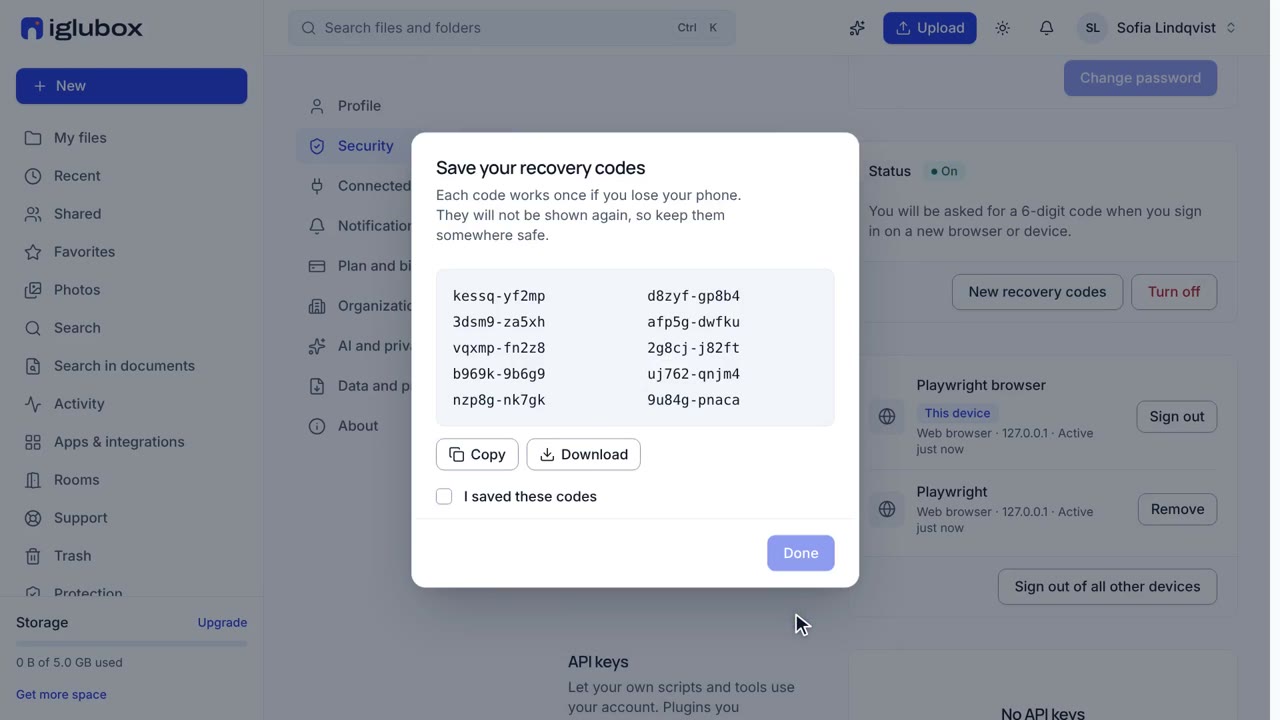
Signing in
Ask for a code from your phone at each new sign-in, so a stolen password is not enough.
 Length 0:37
Restore and recover
Bring a file back from the trash, or make one of its earlier versions the current one again.
 Length 0:34
Upload and download
Make a folder, then upload files into it from your computer, and follow each upload as it goes.