Beginner
Get started with Iglubox
Your first hour: folders and uploads, sharing, getting files back, and a safer sign-in.
6 lessons · 8 min
Iglubox Learn
Short courses and videos filmed in the product: from your first upload to protecting a whole organization from ransomware.
5 courses · 25 lessons · 10 videos, each with captions and a transcript
Short lessons in order, each a few minutes long. Pick one and go at your own pace.
All coursesBeginner
Your first hour: folders and uploads, sharing, getting files back, and a safer sign-in.
6 lessons · 8 min
Intermediate
Turn on protection, understand an alert, recover the files an attack changed, and rewind a folder.
5 lessons · 8 min
Beginner
Comments and mentions, reviews and approvals, and files you collect from others.
4 lessons · 4 min
Advanced
Members and teams, roles, how members sign in, alerts for everyone, and what must be kept.
4 lessons · 4 min
Advanced
Install Iglubox Infrastructure Backup, connect it, and back up your VMs into locked storage.
6 lessons · 6 min
Each one shows a task from start to finish, in the product itself.
The whole library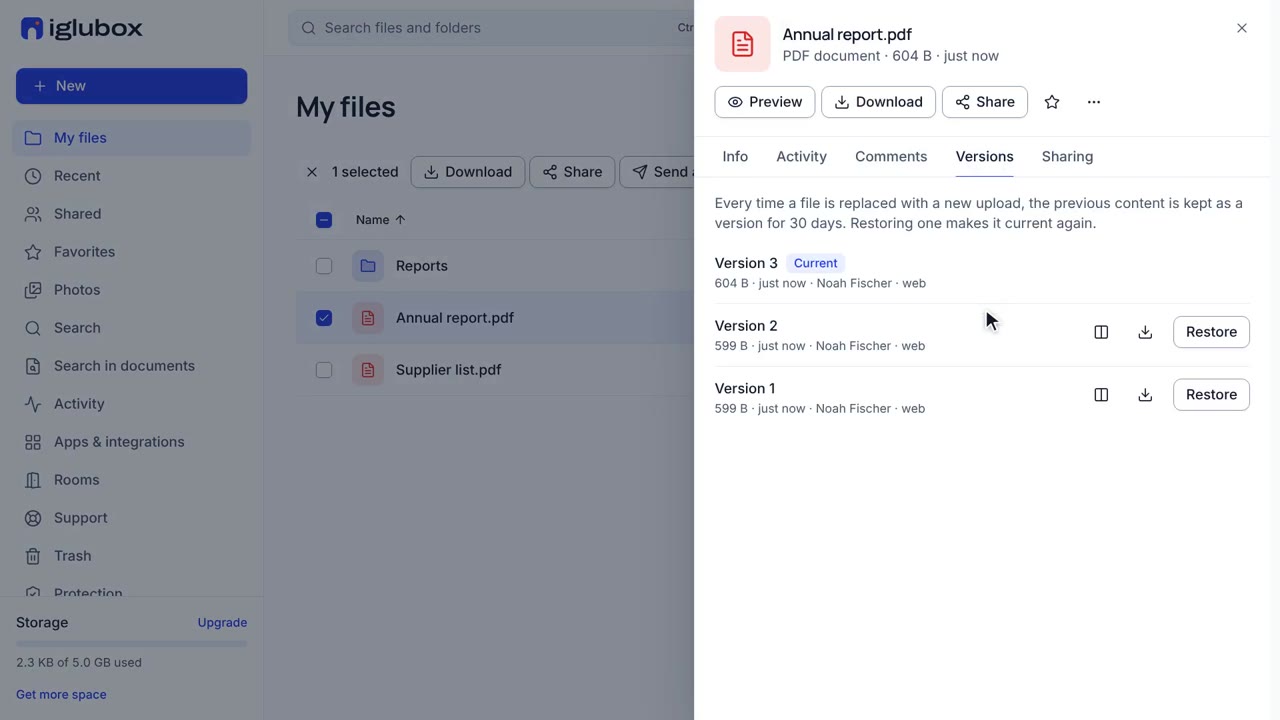 Length 0:37
Restore and recover
Bring a file back from the trash, or make one of its earlier versions the current one again.
 Length 0:34
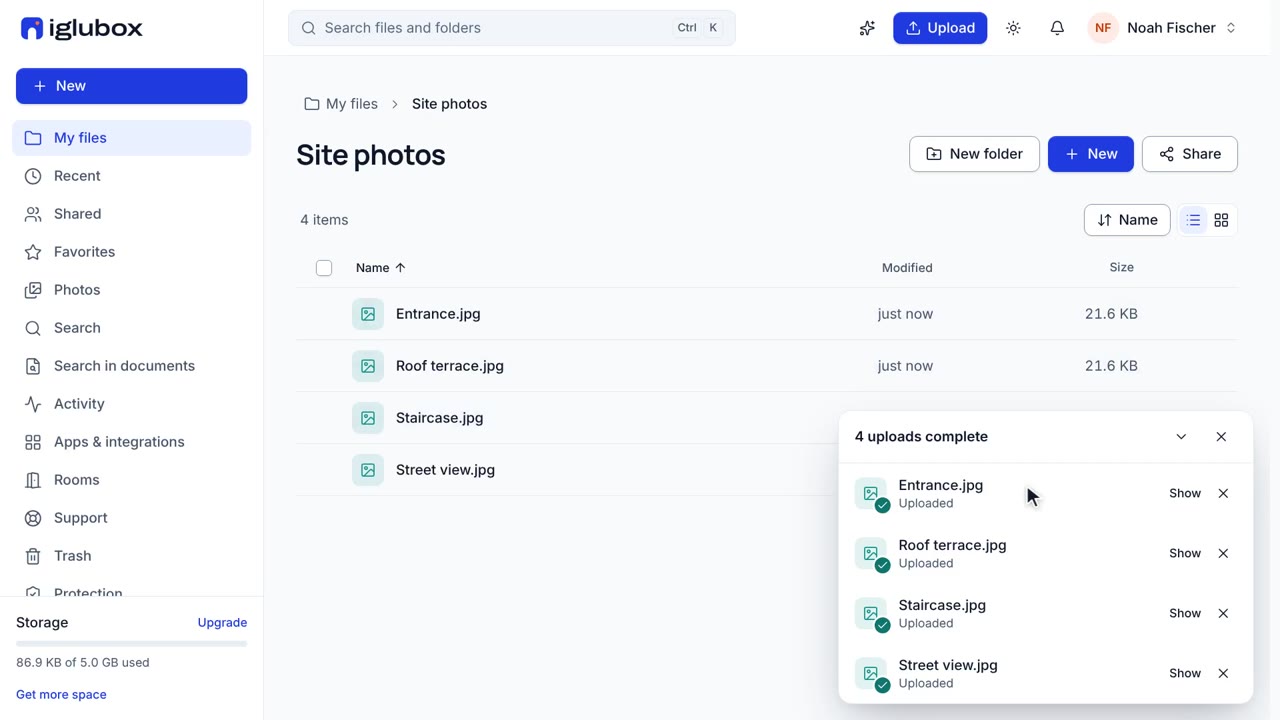
Upload and download
Make a folder, then upload files into it from your computer, and follow each upload as it goes.
 Length 0:45
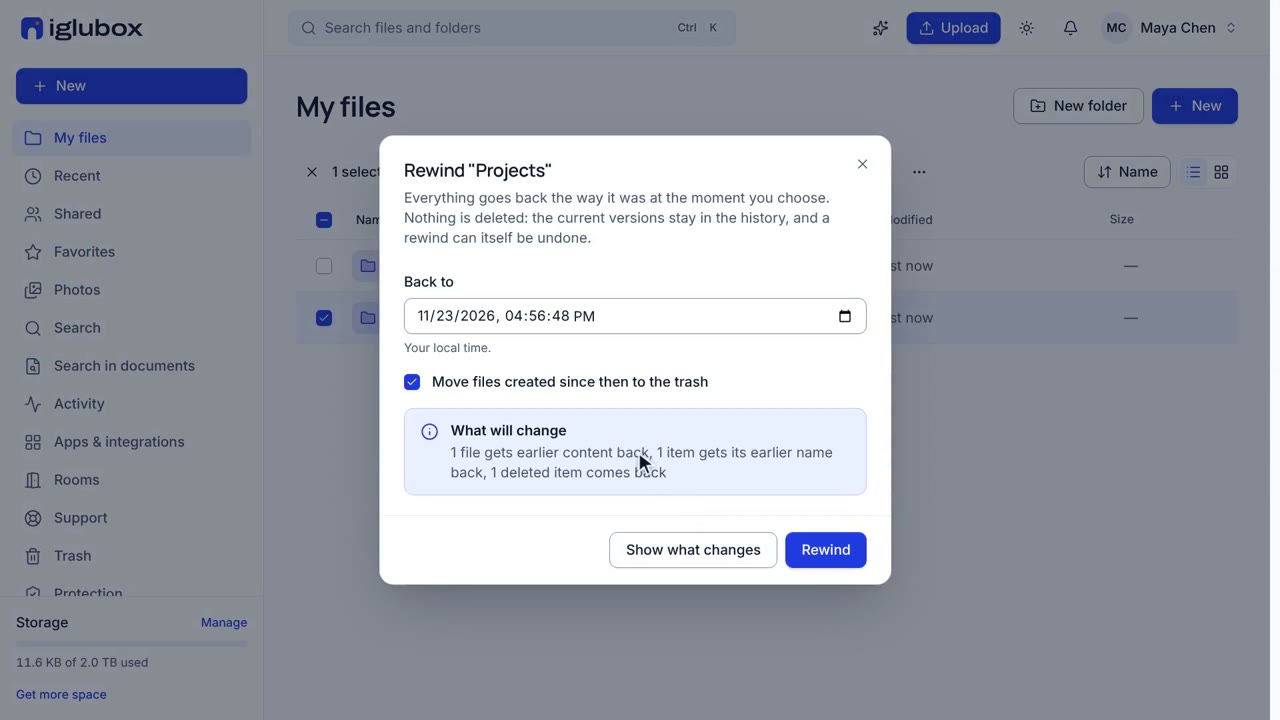
Restore and recover
Undo every change made to a folder since a moment you choose, after you see what will change.
 Length 0:35
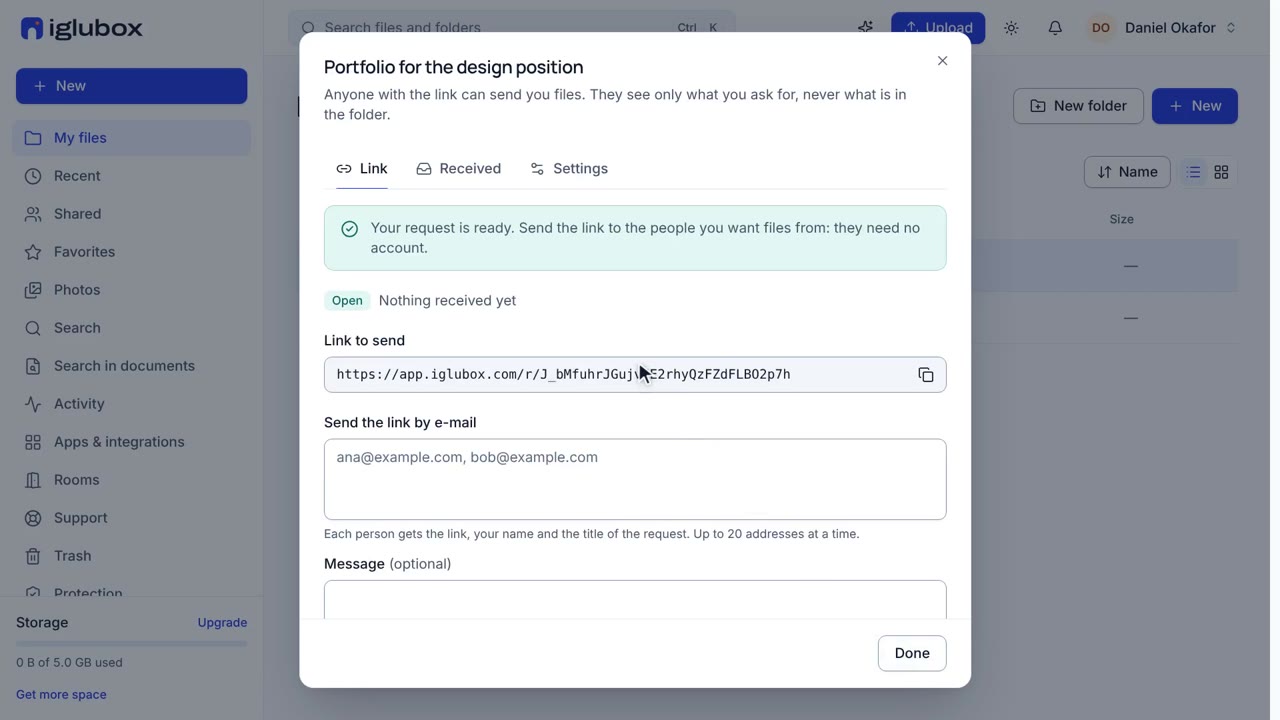
Requests and transfers
Let people send you files into a folder of yours, without an account and without seeing what is in it.
 Length 0:34
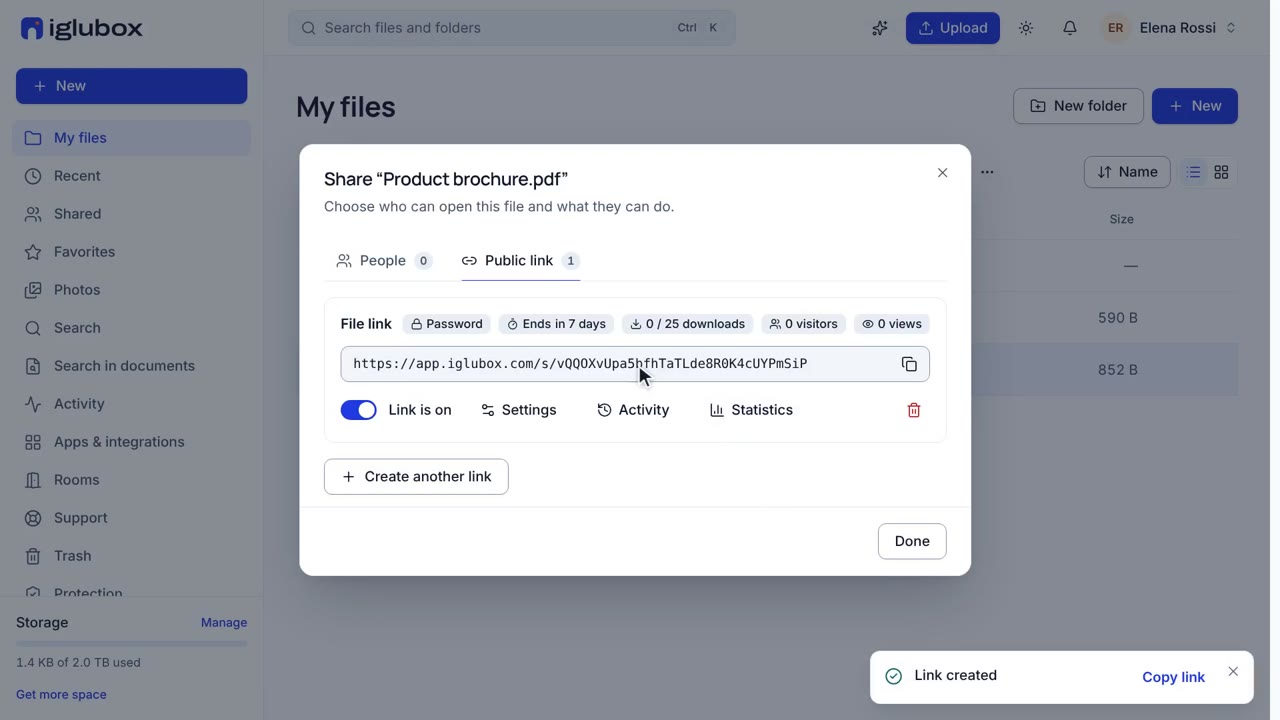
Links
Make a link anyone can open without an account, and decide for how long and with which password.
 Length 0:24
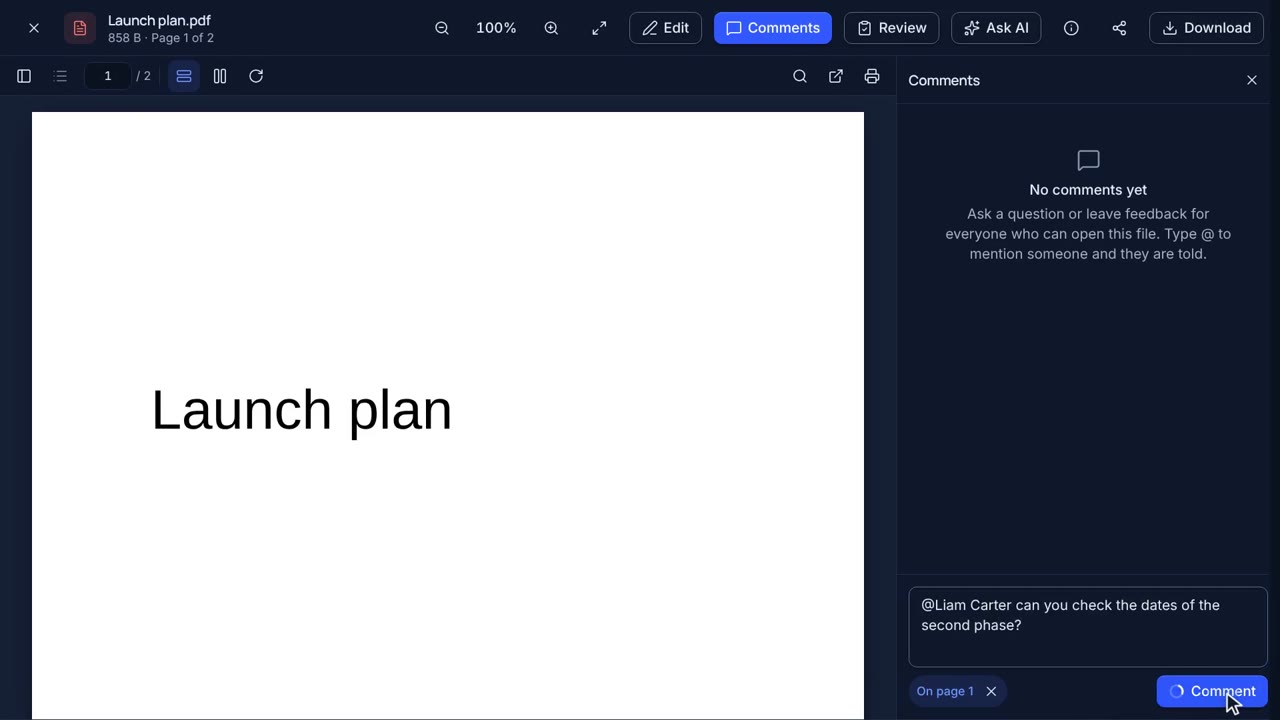
Comments
Keep the conversation about a file beside it, and tell a teammate with an @mention.
 Length 0:31
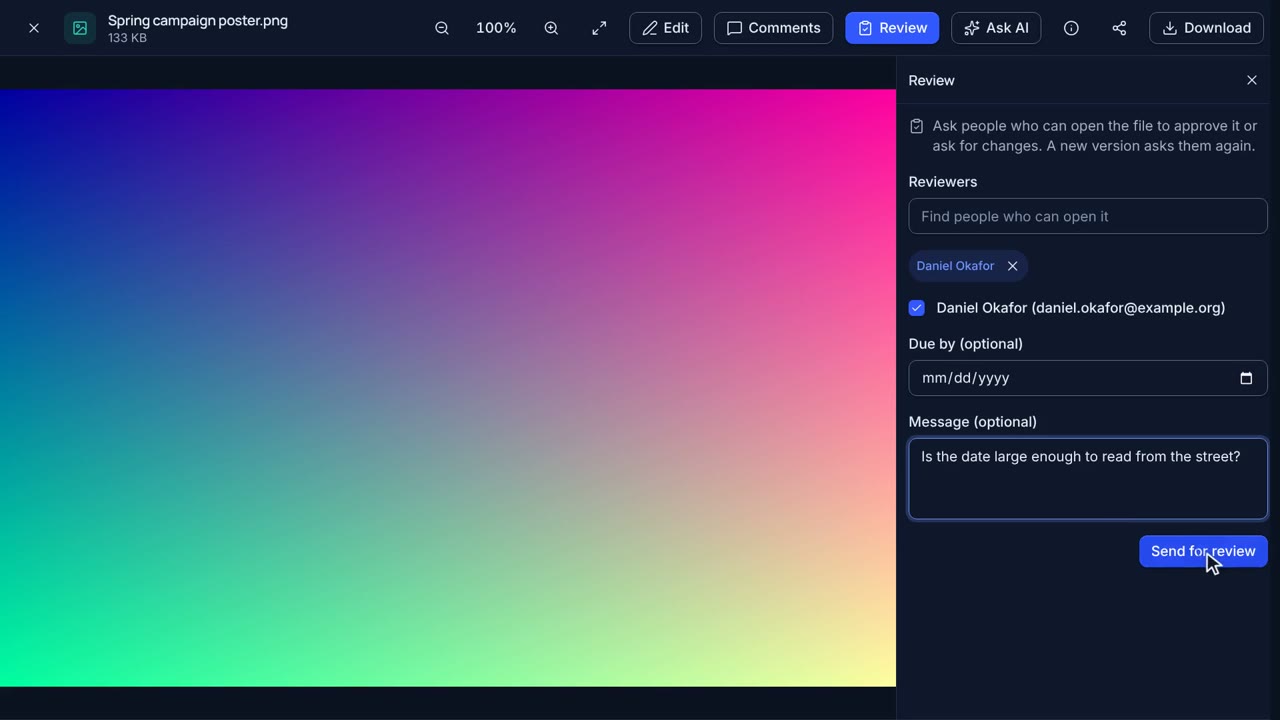
Review and approval
Ask people to approve a picture, a video or a document, or to ask for changes, and follow their answers.
 Length 0:58
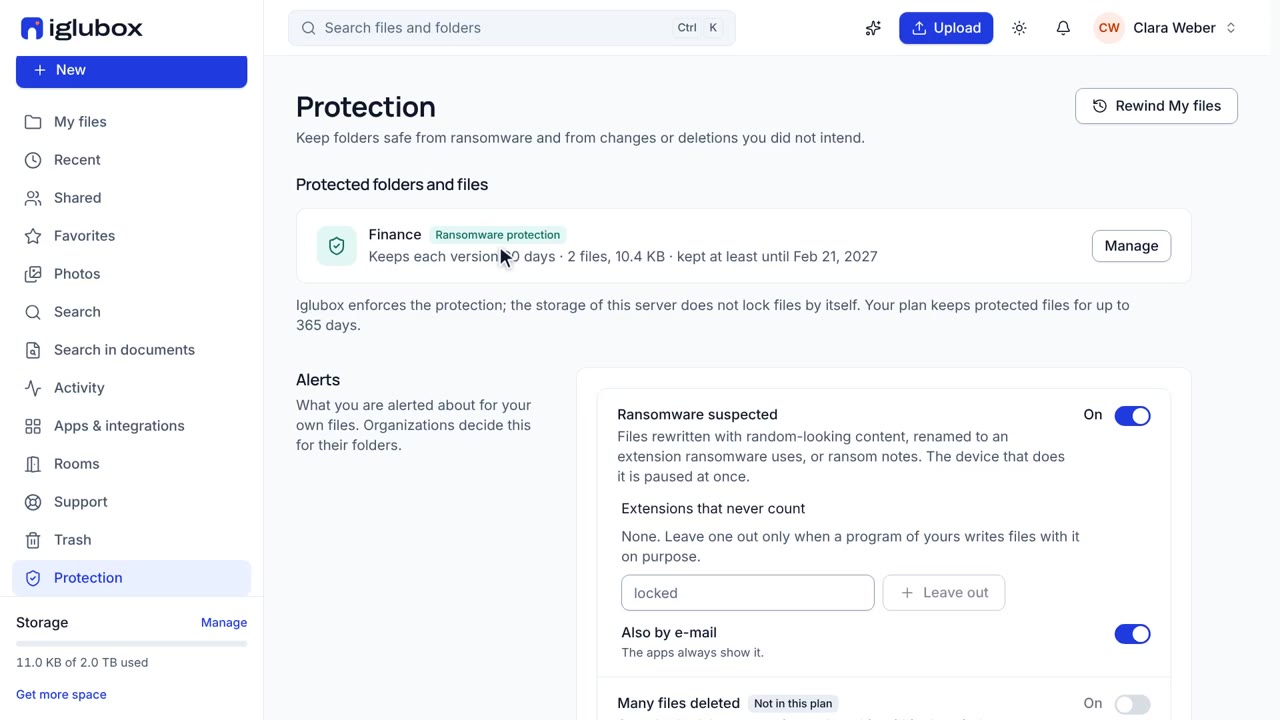
Ransomware protection
Protect a folder so that every version and every deleted file is kept, and see how you are told of an attack.
The Help Center answers questions in writing, and a person answers what it does not.